

Table of Contents
- What Is Commercial Access Control Installation
- Types of Access Control Systems for Your Business
- The Installation Process and Site Assessment
- Commercial Door Access Control Systems Cost
- ADA Compliant Door Hardware Installation Requirements
- Access Control System Maintenance Services and Long-Term Support
- Integration With Existing Security and Business Systems
- Why Professional Installation Matters
- Frequently Asked Questions
Last Updated: September 30, 2026
What Is Commercial Access Control Installation
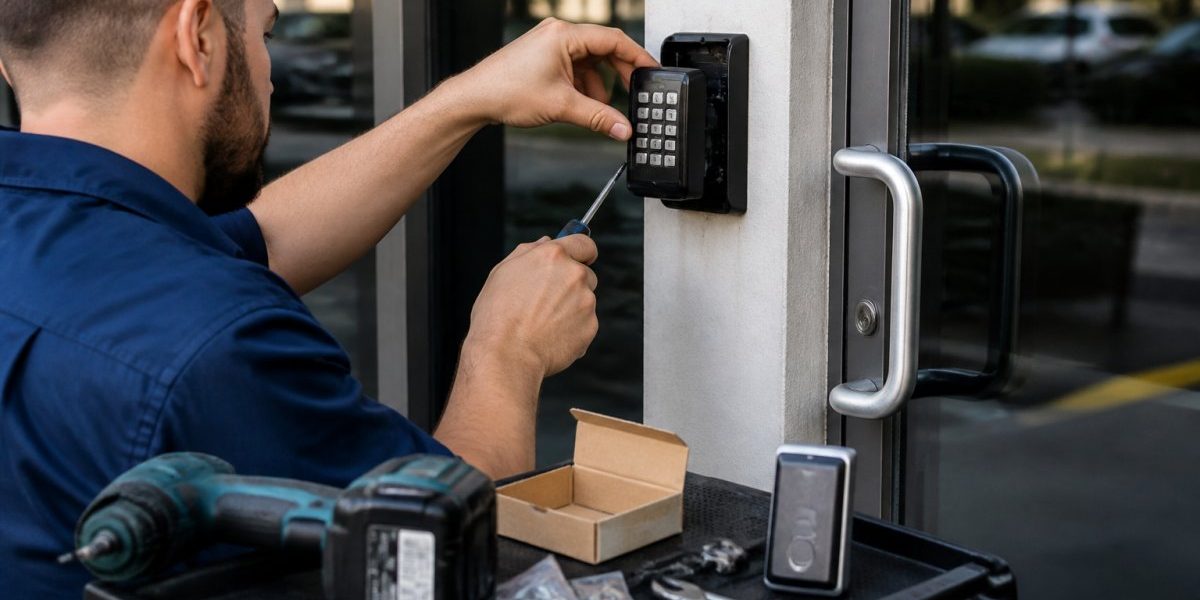
Commercial access control installation is the process of deploying electronic security systems that manage who can enter specific areas of a building or facility. These systems replace or supplement traditional locks with technology that verifies identity before granting entry. At Finest Locksmith LLC, we understand that access control installation requires careful planning, precise execution, and integration with your existing security infrastructure.
Unlike basic lock-and-key systems, access control installation creates auditable entry/exit records for compliance, investigations, and facility management. The process involves site assessment, hardware selection, software configuration, and system testing.
Professional access control installation requires expertise in fire codes, ADA compliance, alarm integration, and maintenance protocols.
Types of Access Control Systems for Your Business
Card-Based and Biometric Systems
Card-based systems use proximity or smart cards that transmit credentials to unlock doors. They’re affordable and easy for employees to use.
Keyless Entry and Mobile Access Solutions
Keyless entry systems use PIN codes or mobile devices instead of physical credentials, offering flexibility for remote workers and contractors needing temporary access.
The Installation Process and Site Assessment
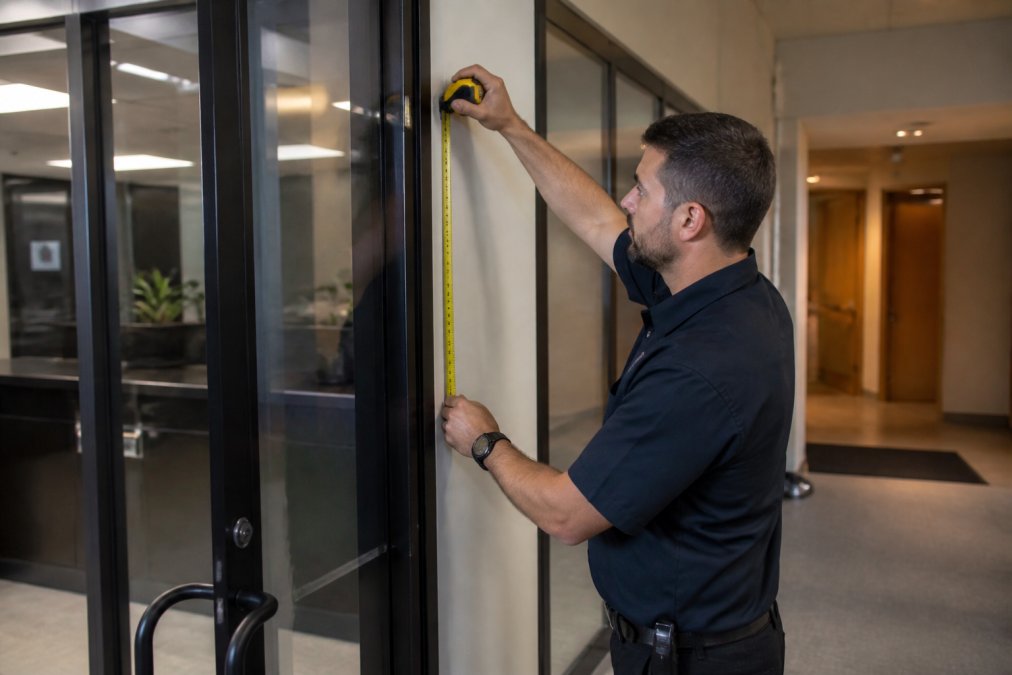
Installation begins with site assessment, where technicians evaluate entry points, electrical infrastructure, network connectivity, and existing systems to identify obstacles and plan workarounds.

Commercial Door Access Control Systems Cost
Commercial access control costs break into three categories: hardware, software/licensing, and maintenance. Understanding this structure enables accurate budgeting and proposal comparison.
Hardware Costs
Hardware represents a significant portion of the first-year cost:
- Door hardware: Magnetic locks, electric strikes, motion sensors
- Readers and credentials: Card readers, biometric readers, initial credential stock
- Control panels and power supplies: Controllers, backup batteries
- Network infrastructure: Cabling, switches, access points
The cost of a system with card-based access and standard electric strikes varies. Biometric readers or additional doors will impact the overall cost.
Software and Licensing Costs
Cloud-based systems typically involve annual charges that cover platform hosting, credential management, mobile provisioning, remote monitoring, and automatic updates.
Maintenance and Support Costs
Maintenance represents a portion of the total cost of ownership over time:
- Preventive maintenance: Quarterly inspections and battery replacement ($1,500-$3,000 annually)
- Emergency support: 24/7 plans ($100-$300/month)
- Credential replacement: Lost cards/fobs ($5-$15 each)
- Software updates: Security patches ($500-$2,000 per major update)
- Hardware replacement: Full system refresh ($3,000-$8,000 after 7-10 years)
Total Cost of Ownership (TCO) Example
The total cost of ownership for a commercial facility with access control will vary based on the system and facility size. Contact us for a detailed quote.
Cost Optimization Strategies
Reduce TCO through phased deployment, bundling services (10-20% discounts), selecting appropriate system type (card-based vs. biometric based on turnover), and leveraging existing network infrastructure.
ADA Compliant Door Hardware Installation Requirements
Access control hardware must comply with the Americans with Disabilities Act (ADA) standards. The ADA Standards for Accessible Design specify requirements for door operation, hardware placement, and emergency egress.
Access Control System Maintenance Services and Long-Term Support
Regular maintenance, battery replacement, software updates, credential management, hardware inspection, prevents security failures and access delays. Maintenance plans typically include quarterly inspections, annual emergency unlock testing, and priority support.
Integration With Existing Security and Business Systems
Access control systems integrate with video surveillance, intrusion detection, alarm monitoring, and business software, creating comprehensive security but introducing cybersecurity risks requiring active management.
Physical Security Integration
Access control integrates with video surveillance (triggering recording on unauthorized attempts), intrusion detection (distinguishing authorized vs. forced entry), alarm monitoring (correlating access logs with events), and emergency response (unlocking all doors during fire alarms, tested quarterly).
Business System Integration
Access control data integrates with HR and operational systems:
- Time and attendance automation: Access logs can automatically populate timekeeping systems, eliminating manual clock-in/clock-out and potentially reducing payroll processing time.
- Employee lifecycle management: When HR terminates an employee, IT can disable their access credentials automatically within minutes rather than requiring manual locksmith intervention. This reduces the window of unauthorized access risk.
- Visitor management: Temporary credentials can be provisioned through HR systems, automatically expiring after a set date or time. This can eliminate the need for manual credential revocation.
- Compliance reporting: Access logs generate audit trails for regulatory compliance, which can reduce manual compliance documentation.
Cybersecurity of Cloud-Based Access Control Systems
Cloud-based access control systems communicate over the internet, creating attack surfaces that on-premises systems do not have. Understanding these risks is essential for IT and security teams.
Common Attack Vectors
- Credential compromise: If a facility manager’s login credentials are weak or reused across multiple services, attackers can gain administrative access to the access control system and grant themselves entry or lock out legitimate users.
- Man-in-the-middle (MITM) attacks: If the connection between the access control reader and cloud server is not encrypted, attackers on the same network can intercept and replay credential signals, spoofing legitimate access.
- API exploitation: Many cloud-based systems expose REST APIs for integration with third-party software. Poorly secured APIs can allow attackers to query user lists, modify access rules, or disable audit logging.
- Firmware vulnerabilities: Readers and controllers run embedded firmware that may contain unpatched vulnerabilities. Attackers who gain network access can exploit these to disable readers or grant unauthorized access.
- Denial of service (DoS): Attackers can flood the cloud server with requests, causing the management interface to become unavailable and preventing legitimate access changes during an incident.
Security Controls That Matter
When evaluating cloud-based access control systems, verify these security controls:
- End-to-end encryption: All communication between readers, controllers, and cloud servers should use strong encryption standards.
- Multi-factor authentication (MFA): Administrative accounts should require multi-factor authentication (MFA) to prevent credential compromise from being sufficient for unauthorized access.
- Role-based access control (RBAC): The system should allow facility managers to assign granular permissions. For example, a building manager can grant/revoke access but cannot view audit logs or modify system settings.
- Audit logging: All administrative actions (credential changes, access rule modifications, user account changes) must be logged with timestamps and user identification. Logs should be designed to prevent unauthorized deletion or modification of historical records.
- Regular security updates: The vendor must publish a security update schedule and communicate vulnerabilities and patches transparently. Avoid vendors that do not publicly disclose security practices.
- Network segmentation: Access control systems should operate on a separate network segment from general office IT, preventing a compromised workstation from directly accessing the access control system.
- Backup and disaster recovery: The system must have redundant cloud infrastructure and automated backups. If the primary cloud server fails, the system should fail secure (unlock doors) rather than fail locked.
Compliance and Standards
Access control systems handling sensitive facilities (healthcare, financial services, government) must comply with:
- NIST Cybersecurity Framework: Provides guidance on identifying, protecting, detecting, responding to, and recovering from cybersecurity incidents. Many federal contractors are required to implement NIST controls (Government Contractor Resources | NIST).
- SOC 2 Type II certification: Indicates the vendor has undergone third-party audit of security, availability, and confidentiality controls. Request SOC 2 reports from vendors before contract signing.
- HIPAA (if handling healthcare facilities): Access control systems in healthcare must protect patient privacy and audit access to restricted areas. Vendors must sign Business Associate Agreements (BAAs).
Operational Security Best Practices
- Change default credentials: Immediately change all default passwords on readers, controllers, and management accounts upon installation.
- Monitor access logs regularly: Review access logs weekly for anomalies (access attempts from unusual times, repeated failed attempts, or credentials used in multiple locations simultaneously).
- Disable unused accounts: When employees leave, disable their credentials immediately rather than deleting them. This preserves audit trails while preventing reuse.
- Test emergency unlock: Quarterly test that access control systems unlock all doors during fire alarm activation, and verify that manual override keys function if electronic systems fail.
- Vendor communication: Subscribe to vendor security bulletins and apply patches within 30 days of release. For critical vulnerabilities, apply patches within 7 days.
Cloud-based access control offers convenience and scalability, but security is not automatic. Facility managers and IT teams must actively evaluate vendor security practices, implement strong authentication, monitor access logs, and maintain network segmentation to prevent unauthorized access changes.
Why Professional Installation Matters
Professional installation ensures your system functions correctly from day one. Technicians understand building codes, electrical safety, network requirements, and integration complexities. They identify potential problems during installation rather than after your facility is operational.
Frequently Asked Questions
What is commercial access control and how does it work?
Commercial access control is a security system that manages who can enter specific areas of your business using credentials like smart cards, biometric readers, or mobile devices. When an authorized user presents their credential at a reader, the system verifies it against a database and electronically unlocks the door or gate. This creates a complete audit trail of all entries and exits, giving you real-time visibility into who accessed which areas and when. Most systems integrate with video surveillance and intrusion detection for layered security.
How much does commercial access control installation cost?
Installation costs depend on your facility size, the number of doors and access points, the type of system you choose (card-based, biometric, or mobile), and integration requirements with existing security infrastructure. A small office might cost less than a multi-building campus with dozens of controlled entry points. Contact us for a site survey and detailed quote tailored to your specific needs and budget.
How long does commercial access control installation take?
Installation timeline varies based on system complexity and facility size. A simple single-door system might be completed in a day, while a multi-building rollout with extensive integration can take weeks. The process includes site assessment, hardware procurement, installation of door controllers and readers, credential management setup, testing, and staff training. We schedule work to minimize disruption to your operations and provide a detailed timeline during the initial consultation.
Are commercial access control systems compliant with ADA and fire safety codes?
Yes, professional access control installation ensures compliance with ADA requirements for accessible entry and fire safety codes. ADA compliant door hardware must allow emergency egress without special knowledge or effort, and fire code requires that access control systems automatically unlock doors during fire alarms. Our technicians design systems that meet all applicable regulations, including NFPA standards and local building codes, ensuring your facility remains both secure and compliant.
Protecting your facility requires more than installing hardware. Professional commercial access control installation creates a secure, compliant system that serves your business for years. Contact Finest Locksmith LLC today for a site assessment and detailed proposal. Our experienced technicians deliver fast, reliable installation with transparent pricing and 24/7 support to keep your facility secure.